What Format Does Kindle Use? A Guide to Books and Personal Files
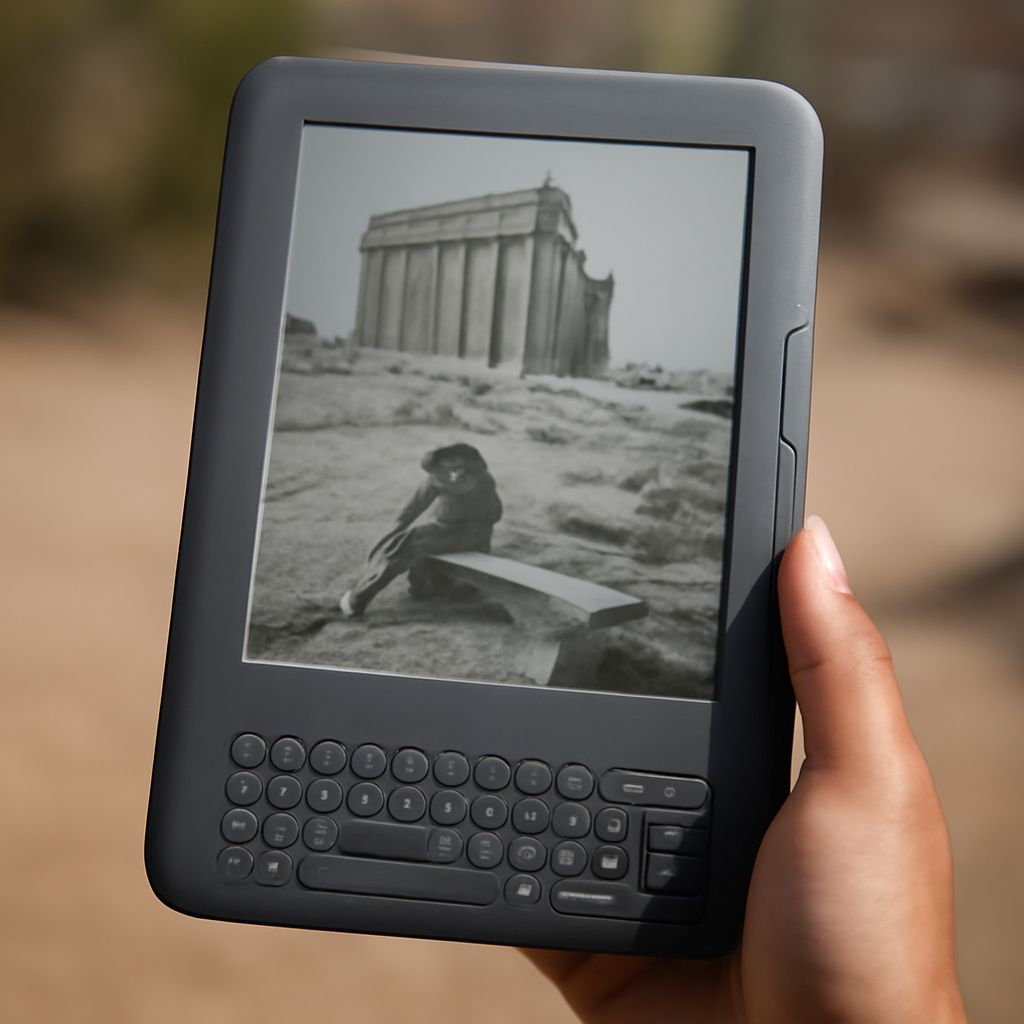
Choose the transfer method before choosing a file. Kindle Store purchases arrive through Amazon, while a personal EPUB is usually best sent with Send to Kindle. To find which formats your Kindle can read, also consider whether you plan to copy a file over USB: the service’s accepted formats and those your device can open directly are different questions.
The guidance below reflects Amazon’s published help pages as of November 10, 2026. It concerns Kindle e-readers; a Kindle app or a particular device may have different features.
What Formats Does Kindle Support for Store Books?
Buy a Kindle edition from Amazon and deliver it to a registered device. Amazon manages the download; you do not have to select a file extension. If a book does not appear, open Manage Your Content and Devices, select the book, and choose the device for delivery. The device must be connected and registered to the purchasing account.
What format does Kindle use for a purchased book? Kindle book formats vary by device and app. Publishers can upload EPUB or KPF to Amazon; the formats Kindle reads in delivered editions are prepared separately.
Older devices deserve special attention. According to Amazon’s support notice, Kindles released in 2012 or earlier can no longer connect to Amazon services after May 20, 2026. Books already downloaded remain readable if the device stays registered and is not reset. Amazon says personal documents can still be transferred to these devices by USB.
Send a Personal EPUB or Document
For a newer, supported Kindle, open Send to Kindle, sign in, and upload your personal file. You can then deliver it to your Kindle library and open it on a supported device. Amazon lists EPUB, PDF, DOC, DOCX, TXT, RTF, HTML, and several image formats among the files accepted by the service. Its help page states a limit of 200 MB per file.
Which Kindle formats are supported through this service? EPUB is a good choice for a text-heavy book because its text can generally adjust to the screen. Amazon processes the file for Kindle, so uploading an EPUB is different from copying that same EPUB directly into the device’s storage. A protected EPUB from another retailer may not be usable; use a file you are entitled to read and that Send to Kindle can process.
For example, if a small publisher gives you an unprotected EPUB of a novel, upload it through Send to Kindle. Once delivered, open it and adjust the type size to suit your screen. If the Kindle-readable file changes a table or illustration, compare it with the original.
When PDF Is the Better Choice
What type of file does Kindle use when page design matters? PDF is often the practical choice for a report with diagrams, a form, or a page whose layout should stay in place. Send to Kindle accepts PDF, and a compatible Kindle can also open PDF files transferred by USB.
A fixed page can be awkward on a small e-reader. You may need to zoom and pan to read a wide page or small print. Among Kindle reading formats, a well-made EPUB usually adapts more comfortably for continuous reading; for a chart whose placement matters, preserve the PDF and check it on the device. Amazon also offers an adjustable-layout option for supported personal documents, so inspect the result if you choose it: complex pages may not retain every detail in the same position.
If you use a Kindle Scribe and want to write on a PDF, the transfer route matters. Amazon says handwriting directly on PDF pages is supported for documents imported through Send to Kindle, but not for PDFs loaded by USB-C. Its note also excludes documents sent to the library before November 11, 2022.
Copy a File Over USB
Connect the e-reader to your computer with a data-capable USB cable and choose the file-transfer option on the Kindle if prompted. On Windows, open the Kindle in File Explorer and copy a supported file into its Documents folder. For Mac users, Amazon says Kindle Scribe and Kindle devices released in 2024 require a separate file-transfer application; its Send to Kindle app for Mac includes a USB File Manager. Earlier models, except Scribe, do not require that extra application, according to Amazon’s USB instructions.
What format does Kindle use over a cable? A PDF is a straightforward example, while support for other directly copied file types depends on the device. An EPUB accepted by Send to Kindle should not be assumed to work when dragged over USB: that route does not perform the service’s conversion. A USB copy stays on that device, whatever the Kindle-compatible file type.
What formats does Kindle support when an older file is involved? Check both your model and the transfer method. MOBI, for example, is an older format; Amazon’s current Send to Kindle list does not include it. The company has also stopped accepting MOBI for new or updated KDP publications, a publishing rule separate from what an older device may already be able to read.
For an ordinary novel in EPUB, use Send to Kindle. For a document where the page layout matters, try PDF and check it on your screen. For an older Kindle without Amazon service access, use USB and a file type supported by that model.